ISP Billing System for Kenyan WiFi, Hotspot & PPPoE Providers
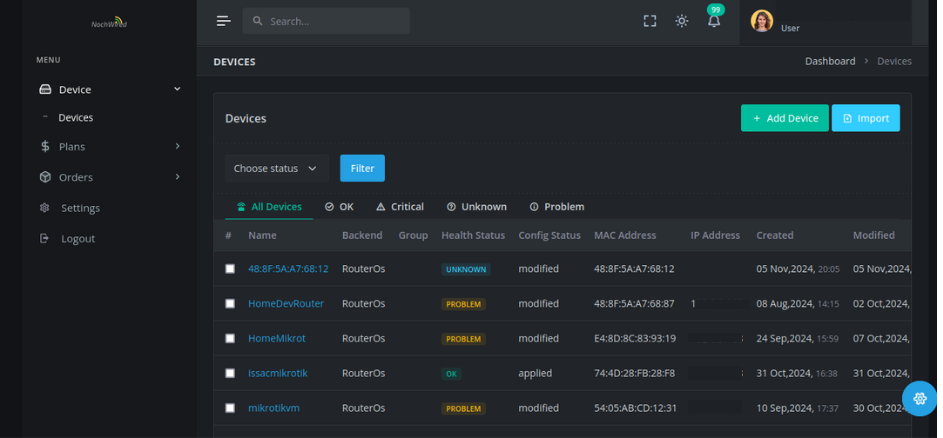
Noch Wired is ISP and WISP billing software built for Kenya. Collect payments automatically through M-Pesa STK push, paybill or till, bill your hotspot and PPPoE customers, send SMS and WhatsApp reminders, and manage your routers from one dashboard. Built on open-source OpenWISP, the core system runs on our servers, so your routers stay light, and it works with MikroTik, OpenWrt and other vendors.
ISP Billing Software for Every Kind of Kenyan Internet Provider
WiFi hotspot operators - Sell time- and data-based vouchers, accept M-Pesa on the login page, and let customers pay and connect on their own. Read: How to start a profitable WiFi hotspot business in Kenya.
Home and estate ISPs (PPPoE) - Bill monthly subscribers, send payment reminders, and suspend and reconnect accounts automatically, with no spreadsheets and no manual checking.
WISPs with mixed networks - Run MikroTik, OpenWrt, Huawei Gpon and other equipment from one billing system and one device dashboard.
M-Pesa Billing for ISPs: STK Push, Paybill and Till
Stop matching M-Pesa messages to customers by hand. Noch Wired collects payments through M-Pesa STK push, paybill and till number, and records every payment against the right customer account.
STK push - the customer gets a payment prompt on their phone, and access is activated when it succeeds.
Paybill and till - payments are matched to accounts, so your books agree with your network.
Automatic invoices and receipts - customers get confirmations by SMS and email.
Fewer “I paid but I’m blocked” calls because payment and access are linked.
Not sure which to choose? Read Paybill vs Till: which is best for your ISP and How to accept M-Pesa payments for your WiFi business.
Features
ISP, Hotspot & PPPoE Billing
Prepaid and postpaid plans, subscription billing and voucher sales in one system. Automatic invoices, payment reminders and disconnections.
Router & Device Management
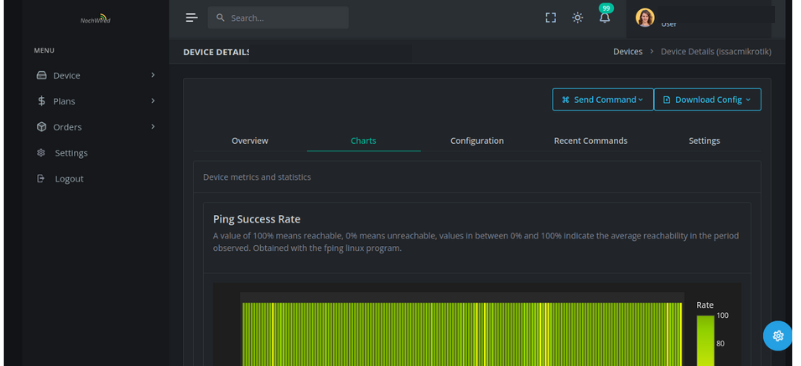
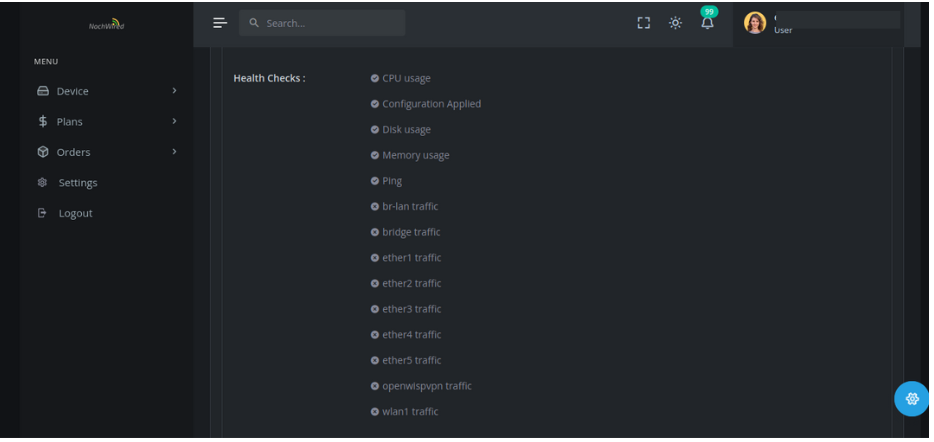
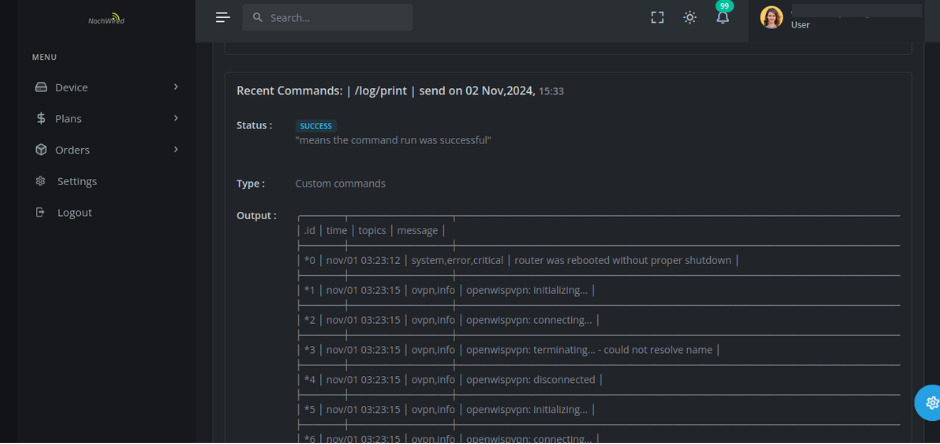
Monitor, configure and update your routers from one dashboard. Built on the open-source OpenWISP project, with monitoring, RADIUS, hotspots, mesh and firmware upgrades.
Customer Self-Service Portal
Customers log in to pay, check usage and view billing history, which means fewer calls to your support line.
Network Performance Monitoring
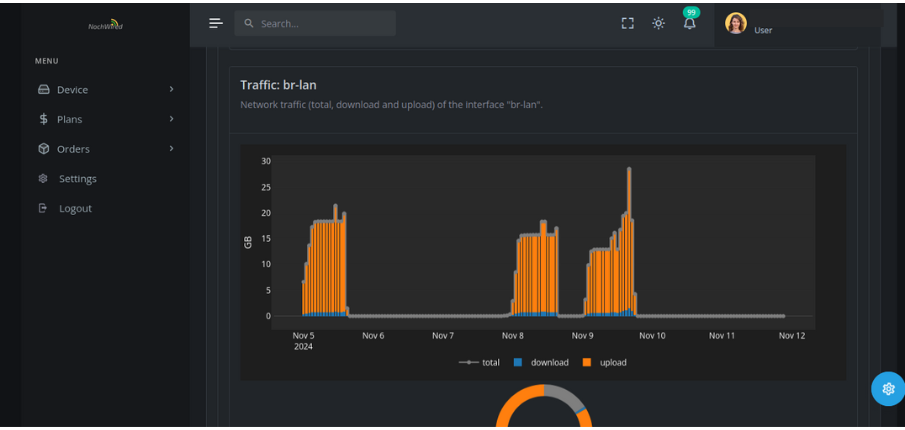
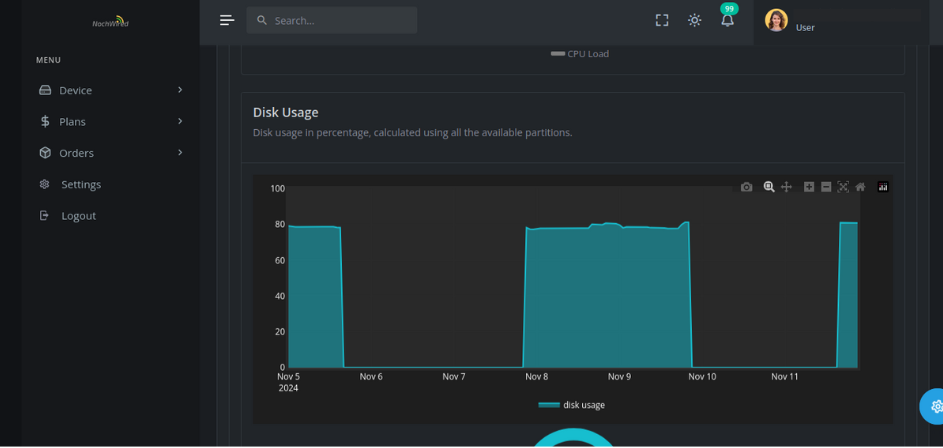
Traffic graphs, peak-usage times and bandwidth reports for every device and interface. Spot problems before customers do.
Central RADIUS Server
Manage customer credentials and access policies in one place, across MikroTik and other vendors’ equipment.
Built to Scale
Manage multiple regions, customer tiers and network types in one account as your ISP grows.
Reporting & Analytics
Revenue, payments, network health and customer activity in clear reports, so you can see what’s earning and what isn’t.
SMS, WhatsApp & Email Alerts
Automatic bill reminders, payment confirmations and usage alerts, plus SMS campaigns for new plans and offers.
Light on Your Routers
The core system runs on our servers, not your routers, so even basic equipment keeps its RAM and CPU for carrying traffic.
Start Billing Your Customers in 4 Steps
1
Create your account
Sign up free and set up your company details.
2
Connect your routers
Add your devices. Start with How to configure MikroTik to work with Noch Wired.
3
Create your plans
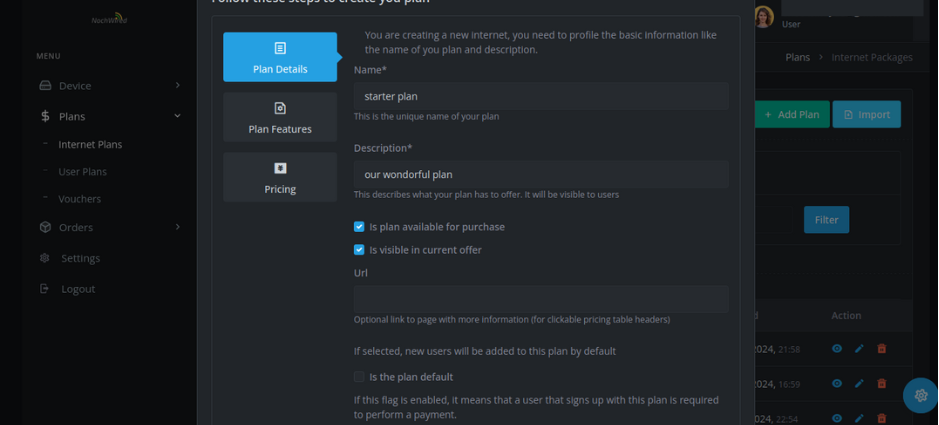
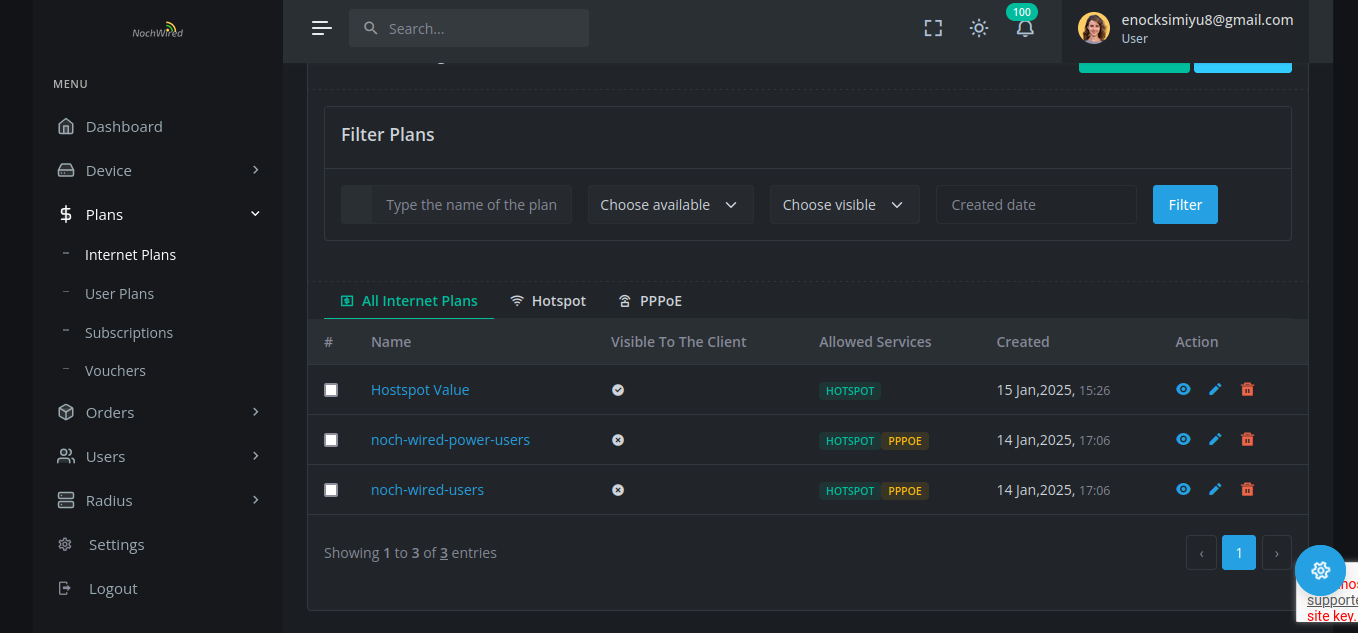
Set prices, speeds, data limits and validity periods for hotspot and PPPoE customers.
4
Get paid
Customers pay by M-Pesa and are connected automatically. Late payers can be disconnected automatically.
Hotspot Billing and PPPoE Billing in One Platform
Hotspot
Hotspot billing
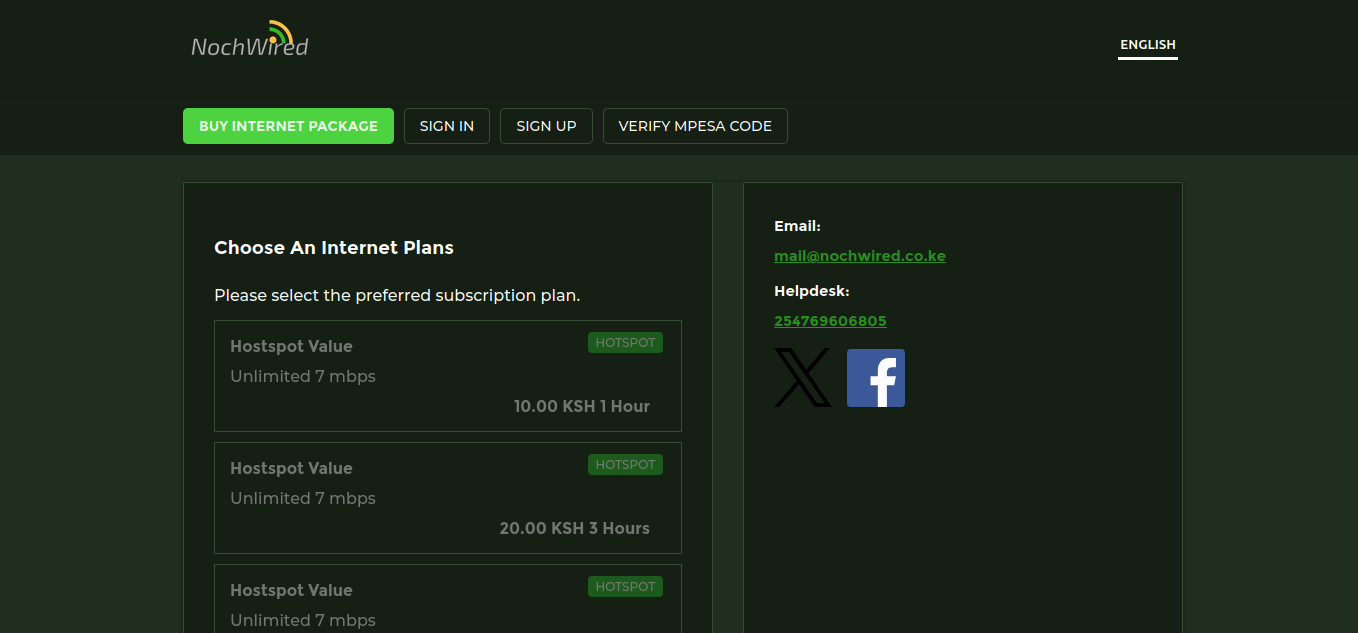
Hotspot billing suits cafés, estates, shops and public WiFi. Customers pick a package on the login page, pay by M-Pesa and get online within moments. You can sell by time or data, and limit each voucher to one device.
Cafés
Estates
Shops
Public WiFi
Student hostels
PPPoE
PPPoE billing
PPPoE billing suits home and business subscribers on a monthly plan. Accounts are invoiced on a schedule, reminders go out before the due date, and service can be suspended automatically after non-payment. See how to stop unpaid WiFi customers.
Homes
Businesses
Schools
Run both on the same account if your business needs both.
Why ISPs Choose Noch Wired
Made for Kenya - M-Pesa STK push, paybill and till are part of the billing engine.
Works with your equipment - MikroTik and other vendors, managed from one dashboard.
Built on open source - Device management runs on OpenWISP, which is proven, transparent and vendor-neutral.
Light on your hardware Our servers do the heavy lifting, so your routers don’t have to.
Quick to start Minimal setup, with no new infrastructure to buy.
Frequently Asked Questions
If you can not find answer to your question in our FAQ, you can always contact us or email us. We will answer you shortly!