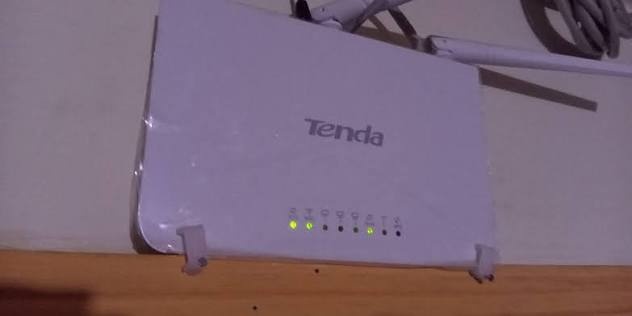
M-Pesa Payments for your Wi-Fi Business
M-Pesa Payments for your Wi-Fi Business
What to look for in a billing system.
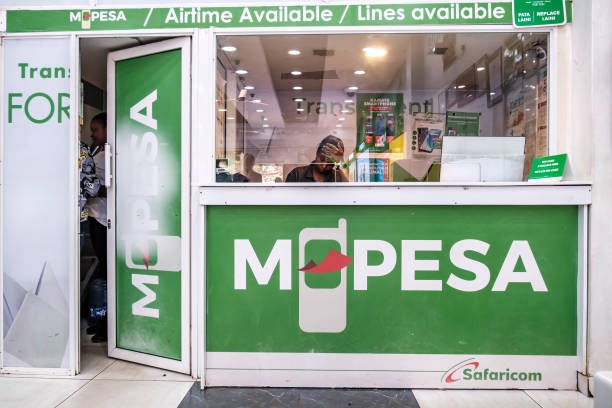
Contributor By:
Maxwell
06 Oct,2026, 9:39
It is late evening and your phone rings. A customer texts you saying they have sent you money for the internet and sends a screenshot of an M-Pesa message. You look for the message in your chats, find the transaction code and the amount paid, and hope the message is legitimate. Then you turn the customer back on.
Now do this thirty times a day.
Most wi-fi businesses in owners use M-Pesa as a mode of payment. How you collect these payments has a significant effect on how smoothly your business runs.
Why M-Pesa matters for a wi-fi business
Most of your customers will not be willing to pay with a debit card. They are more likely to pay with whatever they have on their phones: M-Pesa.
Fast, simple payment methods reduce delayed payments. Delayed payments reduce cash flow and, ultimately, the ability for you to grow. Easy payments also mean fewer customer inquiries and customers that are willing to stay with you.
The four ways to collect M-Pesa payments
1. Transfer to your number
You may think this is an obvious choice. The customer transfers cash to your mobile money wallet and you confirm the payment manually.
This method works for the first few customers. After that, the headaches begin:
You have to manually check every message.
Customers type the wrong number or amount.
Your personal and business finances are not separated.
You can't see who has paid and who hasn't easily.
It is a good idea to start here and move elsewhere as soon as possible.
2. Paybill
A Paybill is a business number. The customer goes to M-Pesa > Lipa na M-Pesa > Paybill and types in your business number, an account number, and the amount.
The account number is critical. It allows you to know who has paid if you give every customer a unique account number (usually their phone number). Paybill is useful for long-term, monthly customers as the same account number pays every month.
3. Till number
A Till number is for Buy Goods and Services. The customer goes to Buy Goods > Till number and types your till number and the amount. There is no account number.
Till is easier on the customer and should be used for short-term, one-off payments such as hotspot vouchers.
Paybill or Till: which should you pick?
Ask yourself what your customers are like:
If they pay mostly in monthly installments at home: Paybill is for you.
If they mostly buy hotspot vouchers: Till is for you.
If they are a mix of the two: Many businesses offer both and a good billing system should support both.
4. STK push
STK push is the customer's favorite. They type the least and have the best experience.
Here's how it works:
The customer chooses a plan on your login page or portal and enters their phone number.
A payment request pops up on their phone showing the amount due and your business name.
They enter their M-Pesa PIN.
The money is transferred, and the customer is connected to the internet.
There is no need to copy Paybill numbers or enter extra information. They experience STK push as a much smoother version of paying with a debit card.
What happens behind the scenes
When the money is transferred, Safaricom notifies your billing system of the payment. The system credits the customer's account with the amount due and activates their plan. All of this takes a matter of seconds.
This is the magic that makes billing systems special. Nobody has to check an SMS or press a button to turn the customer on.
Why checking by hand is not a good idea
Collecting M-Pesa manually may feel good until it doesn't. These are some of the pitfalls to be aware of:
Forged messages. Some people forge M-Pesa message images. The average person cannot tell the difference between a genuine and fake message.
Wrong amounts. The customer pays KES 500 for a KES 1,000 plan and complains.
Late activation. You are sleeping or busy and a customer's internet connection is turned off because of you.
Lost records. It was six months ago and you have no idea who paid what.
Automatic confirmation handles all of the above because everything is handled by the system. The only thing that matters is the record of a successful payment.
What to look for in a billing system
Whatever system you choose, make sure it can:
Collect payments via STK push, Paybill, and Till.
Automatically activate customers after a successful payment.
Associate the payment with the right customer.
Keep a permanent, detailed record.
Send payment reminders by SMS.
Let customers check their own balance and plans online.
If a system cannot do most of the above, you will still be working late into the evening.
Mistakes to avoid
Mixing personal and business finances. Have a business Paybill or Till number.
Checking payments manually. Check the automated record of a payment instead.
Making customers wait for you. Automatically activating them is much better for your reputation.
Not sending payment reminders. Most people will not remember to pay so a simple SMS a day or two before the due date goes a long way.
Common questions
Can I use my personal number for my wi-fi business?
You can, but it causes more problems than it solves. A separate Paybill or Till number builds credibility with your customers and keeps your personal and business finances separate.
Is STK push safe for customers?
The STK push request asks for the customer's M-Pesa PIN on their phone. You will never see it. The customer approves the payment.
What if a customer pays but doesn't get connected?
This should not happen with automatic activation. Always check the record of the transaction to see what happened.
Do I need a Paybill and a Till number?
Not necessarily. Choose the option that your customers are most likely to use and add the other option later if they ask.
Popular Posts