Cost of Starting a Wi-Fi Business in Kenya Under 50K
Cost of Starting a Wi-Fi Business in Kenya Under 50K
You don’t need a fortune to start a Wi-Fi business. See what the gear really costs and where your first 50K should go.
Technology
Contributor By:
Maxwell Kamau
11 Oct,2026, 18:56
Fifty thousand shillings buys you a competent Wi-Fi hotspot.
Twenty thousand buys you experimentation. The difference lies in the first steps and priorities.
Be honest about what your money buys
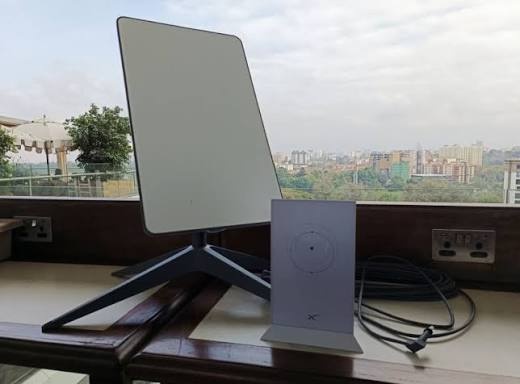
With twenty thousand shillings, you can buy one complete kit and mounting and test your idea in one venue. Another access point, power supply and redundancy would need another twenty, so treat this as a pilot only. With thirty to forty thousand shillings, you can get a router and an outdoor access point with cabling and protection, and start making money in one venue. Fifty thousand adds a power supply redundancy and better mounting, and helps you through the intermission of power failures or adverse weather. Your budget does not include the line lease, licence, and a few months’ running costs. Starlink equipment costs more than this, so invest in another line first, and consider Starlink as an upgrade.
What to buy, and what it costs
The prices here are indicative. I have taken them from local ads, so there may be cheaper options in your area, and VAT may apply. Where I estimate the costs (cables, protection, power, mounting), take it with a grain of salt. First, buy a router: a MikroTik hEX costs around sixteen to eighteen thousand shillings, and it is the brains, controlling and securing the Wi-Fi. Then, buy an outdoor access point, costing thirteen to seventeen thousand shillings. You also need a power supply: a PoE injector and a cable, costing five to eight thousand shillings, to supply power and data through one cable. Protection against surges costs three to six thousand shillings. Finally, a small uninterruptible power supply costs ten to twenty-five thousand shillings, and a pole and mounting materials another three to six thousand shillings. Altogether, it makes fifty thousand.
A MikroTik all-in-one router, such as hAP ax2 costs around twenty-four thousand shillings, so it is possible to make a pilot kit for twenty to twenty-five thousand shillings, using the built-in Wi-Fi.
Three options for a start-up
Pilot, twenty to twenty-five thousand shillings: one all-in-one MikroTik router, a short cable run, and mounting. Place the access point in a shop or a kiosk, use their internet line, skip the UPS for now, and be prepared to reboot on a power outage. It should handle fifteen to twenty users at a time.
Solid start-up, thirty-five to forty thousand shillings: one MikroTik hEX router, one outdoor access point, one PoE injector, a cable, protection, and mounting. It should handle thirty to fifty users at a time on one access point, and will fit a small market place or a hostel compound.
Safe start-up, fifty thousand shillings: as the solid start-up, but with a small UPS. Power failures will no longer be a problem, and the router will handle surges better.
Your internet line
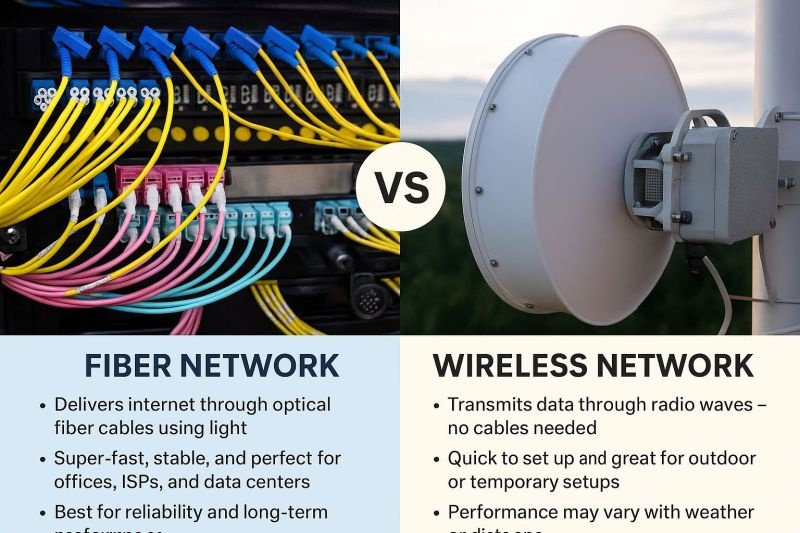
Equipment is only part of the equation, and the line defines your quality and is the largest running cost, so choose it wisely. You can subscribe to a business line with an ISP, use fibre where available, or go with a 4G or 5G router and a data plan. Starlink is an option, but it is more expensive than this budget allows, so it is an upgrade for later. Shop around, and ask for details about speed, sharing of the line, and support. Ask if the plan allows resale, as some home plans do not.
Calculate the capacity based on the usage during the busiest hour. Say, forty users are online, ten of which are actively browsing the web. At two and a half Mbps per user, it makes twenty-five Mbps, plus another twenty or so for headroom. These are only examples, so adjust the numbers according to your own circumstances.
Billing that runs by itself
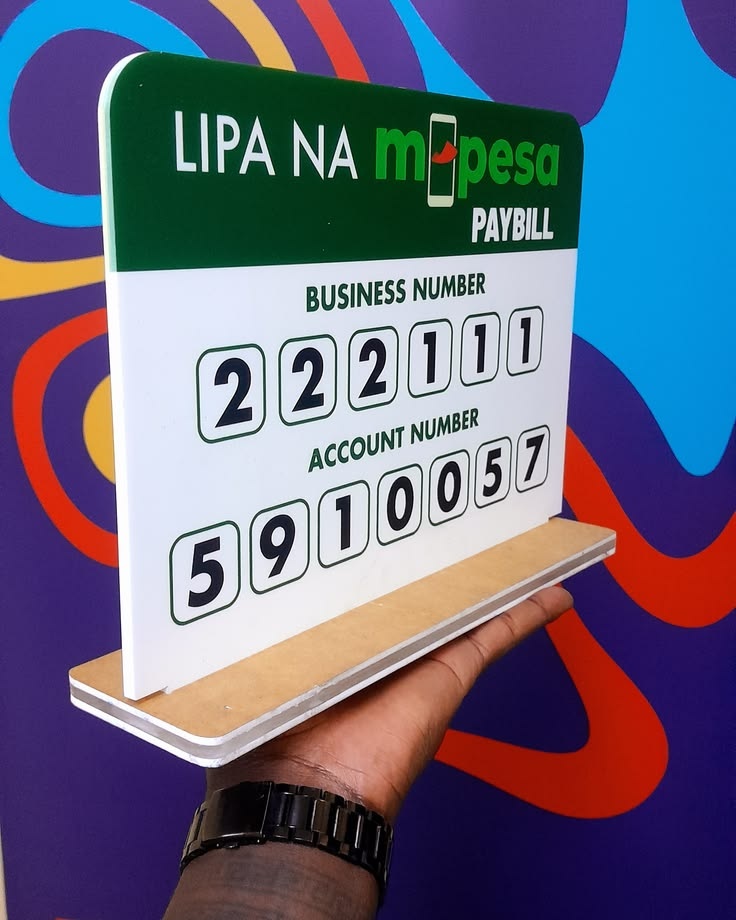
With a small customer base, it is tempting to manage payments manually, by checking M-Pesa notifications. It works for ten people. At forty, you will spend your evenings staring at customer screenshots, arguing over KES 50. A better way is to use a billing system that authorises hotspot access after receiving the M-Pesa payment.
When a customer joins the Wi-Fi, their phone will be redirected to a payment page, where they select a plan and pay via STK push. The system then authorizes the Wi-Fi access, and disconnects them when the paid time or data is exhausted, without any effort on your part.
Can this budget make money? An example
Say, your running costs are KES 15,000 per month, and you sell day passes for KES 50. To break even, you need thirty such passes per month, or about ten per day. Each day after that is your profit, so if ten day passes seem too few for your venue, consider looking for a better location or reducing costs rather than buying new equipment.
What to skip, and what to buy
For now, you can skip a second access point, a branded box, a big router for hundreds of users, and a second line. Don’t skip a proper MikroTik router with billing capabilities, protection and grounding, a decent place to put the access point, and the licence check. It is tempting to buy cheap equipment that will fail on the first storm, but it will end up costing more than a proper one.
Mistakes that drains a small budget
Buying everything at once. Start small, and scale according to your customer base.
Overselling. Forty users browsing the web at the same time will kill your evening hours.
Skipping protection. A surge from a storm will destroy your router and the access point.
Collecting payments by hand. It wastes your time and causes customer complaints.
Choosing the wrong location. Always test your equipment before investing in another access point.
Start small within your budget, and measure the metrics for the first two months. How many users do you have? What is the busiest hour? Is the connection stable? When you have a consistent customer base, invest in the next level: a power supply, then a second access point, then a better line. All upgrades should be paid for by the existing customer base.
Start earning today with Noch Wired
Popular Posts